Do I need internet to use AMcore?
Yes, you connect regularly. Offline mode covers you for 24 to 48 hours of load-shedding or weak data, and everything uploads automatically once you reconnect.
Can I use it on my phone?
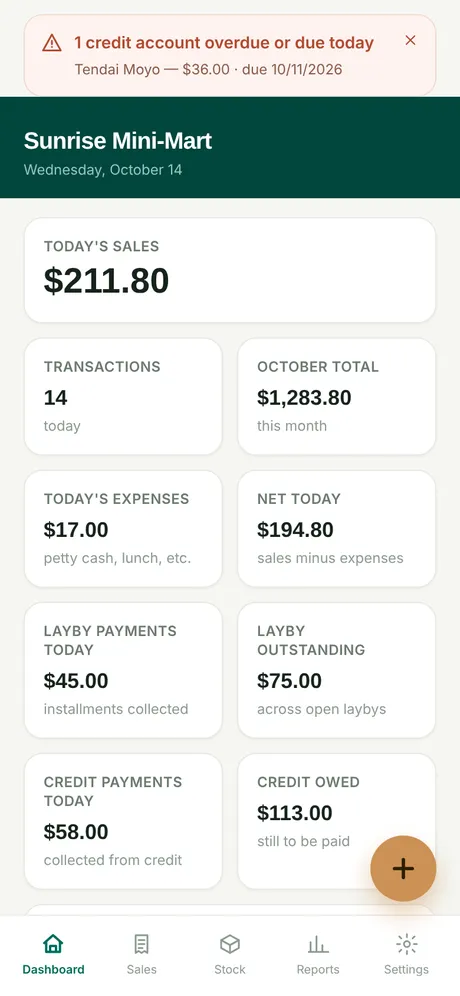
Yes. Open the app in your browser and choose "Add to home screen" or "Install". It then opens like any other app. It also works on a computer.
Which plan do I need?
Regular is for one business or one school. Standard covers up to 3 branches and Pro covers up to 7. If you are not sure, message us and we will help you choose.
What's the difference between layby and credit?
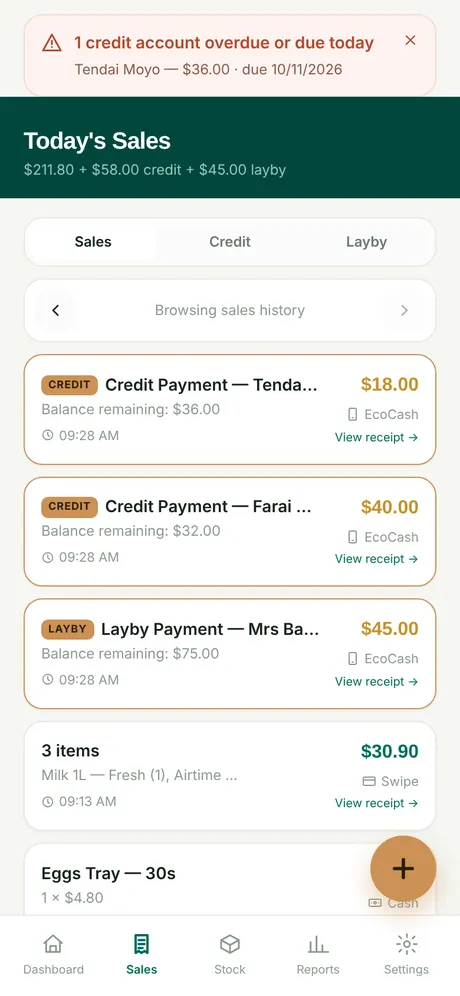
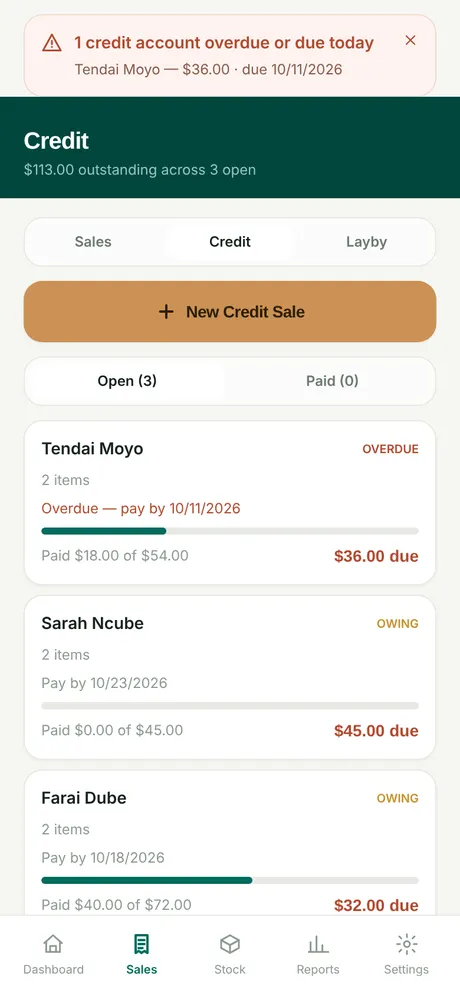
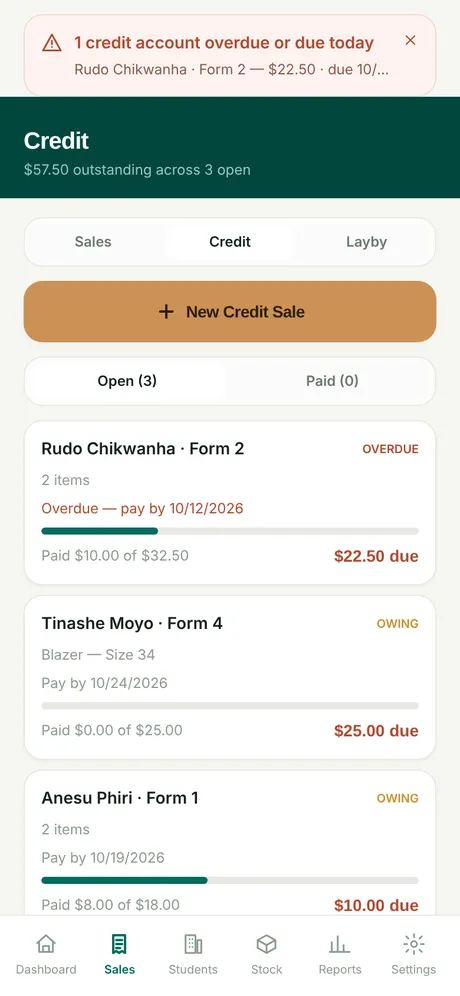
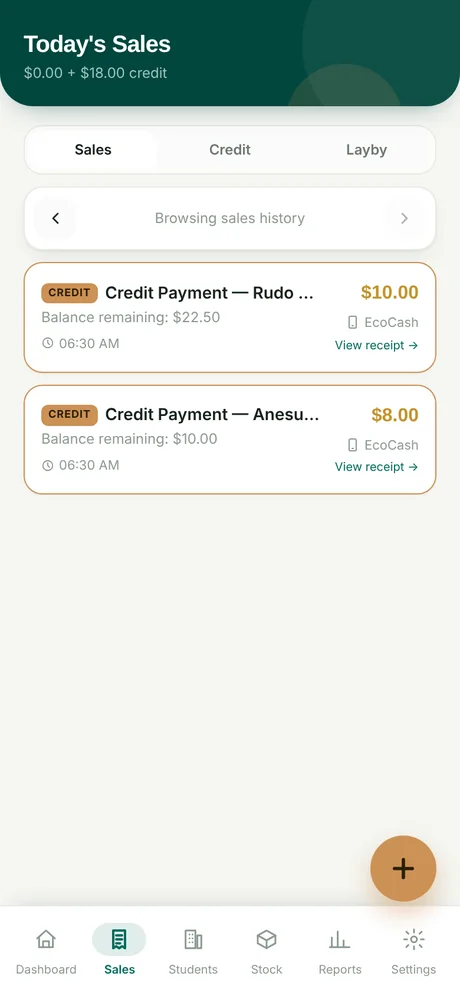
With layby the goods are kept for the customer until they are fully paid. With credit the customer takes the goods now and pays later by an agreed date.
What if I clear my browser while offline?
Save your waiting sales to an encrypted backup file first, and nothing is lost.
Can I cancel or refund a layby or credit sale?
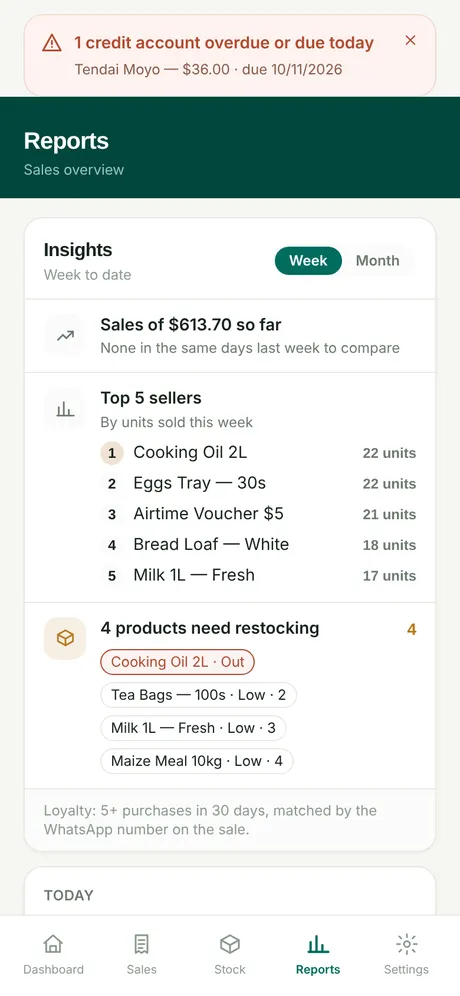
Yes. Stock goes back and refunds show in your reports.
Can I control what my staff can do?
Yes. You set the lowest selling price and can lock the app.
Can several staff use the same account?
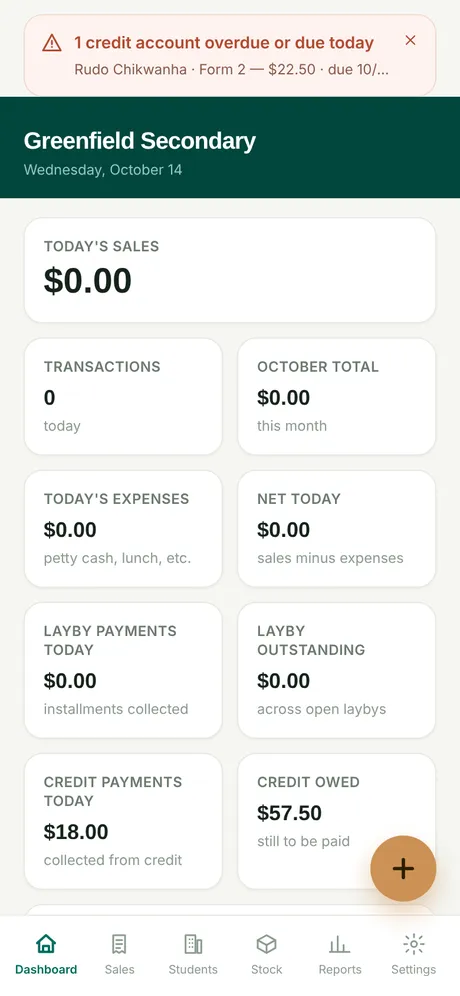
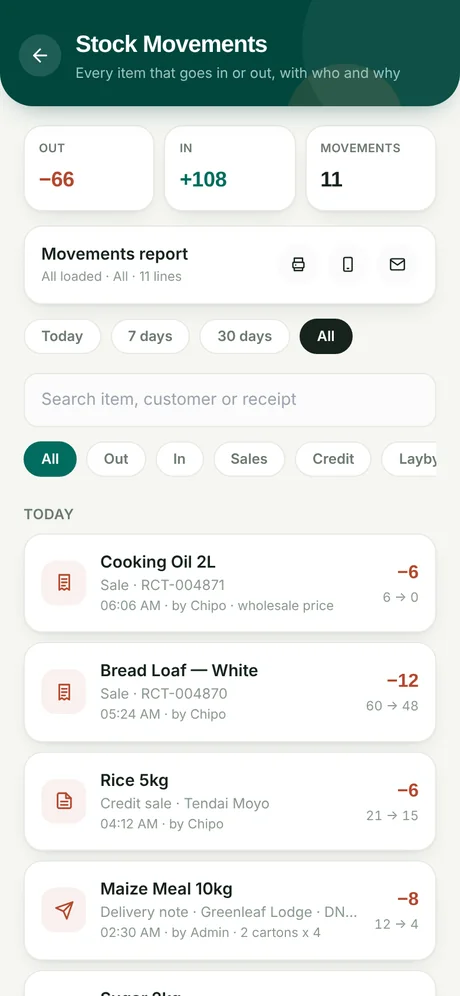
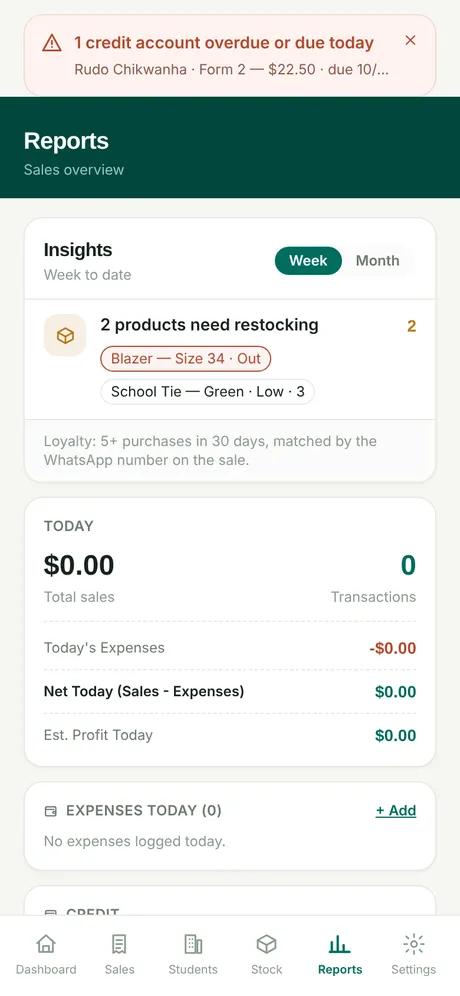
Yes. Your team can use AMcore together, and your records show who recorded each sale.
Can I bring in my existing stock list?
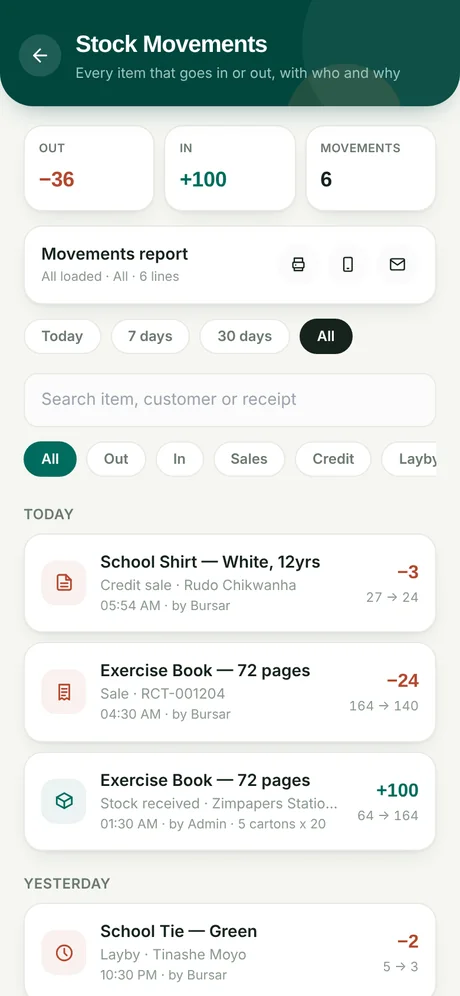
Yes. You can import your existing stock list from Excel (CSV), so you do not have to type it all again.
Is it safe to install on Android?
The safest way is to install from your browser using "Add to Home screen". If a direct Android file is offered on this page, only download it from here, check it against the checksum shown, and never install an AMcore file that someone sends you in a message. If your phone warns that an app looks harmful, do not install it.
How do I get a licence and pay?
Choose a plan or message us on WhatsApp. We confirm the plan and the ways you can pay, then send your licence key for the app you need.
What happens after the first year?
A licence lasts one year. Message us before it ends to renew.